The room journal
Build a restaurant furniture finish board that keeps the details clear
A restaurant finish board is most useful when it connects an overall feeling to specific decisions. The room may call for warm wood, a quieter seat color, or a contrast between a dark frame and a pale table surface. Those ideas need a record of the pieces and options that will create them.
You can start with a small selection. A few carefully identified pieces say more than a crowded board of unrelated images. As the room develops, keep the furniture model, selected finish, and intended location together so the visual direction remains connected to the actual project.
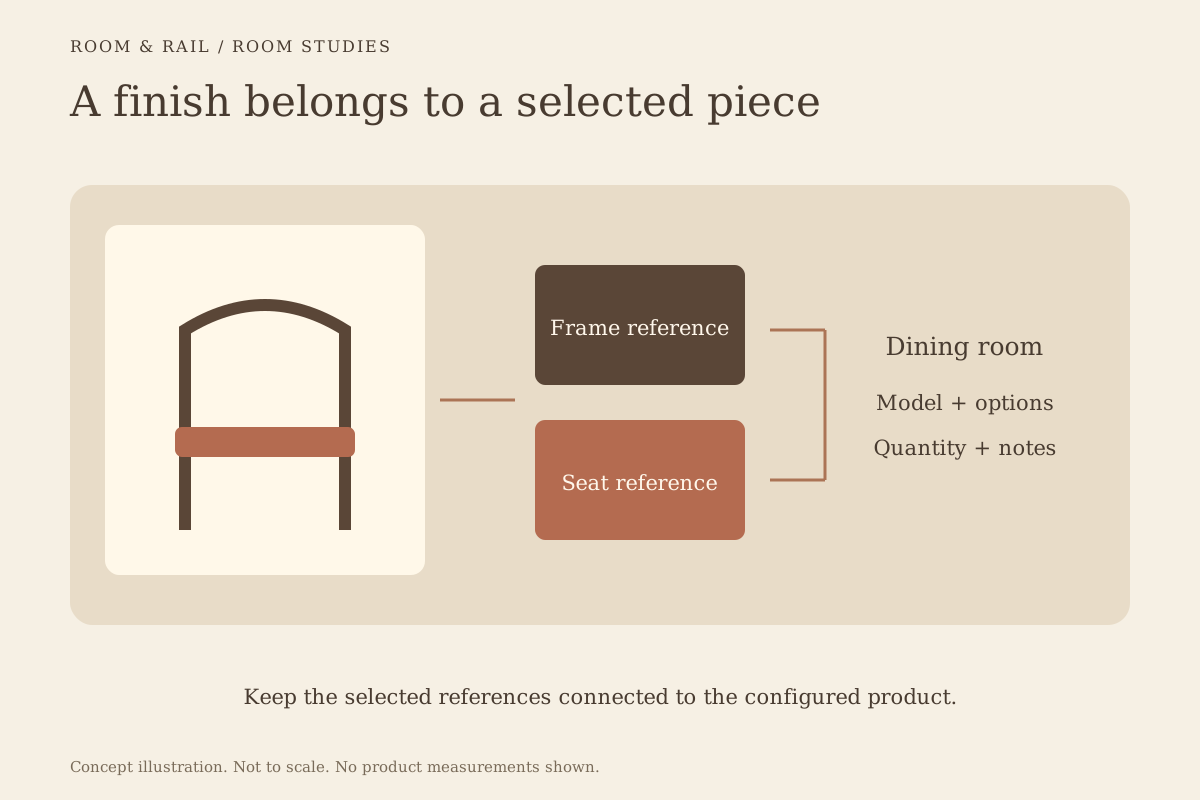
Open diagram at full size (new tab) ↗
Begin with a relationship between pieces
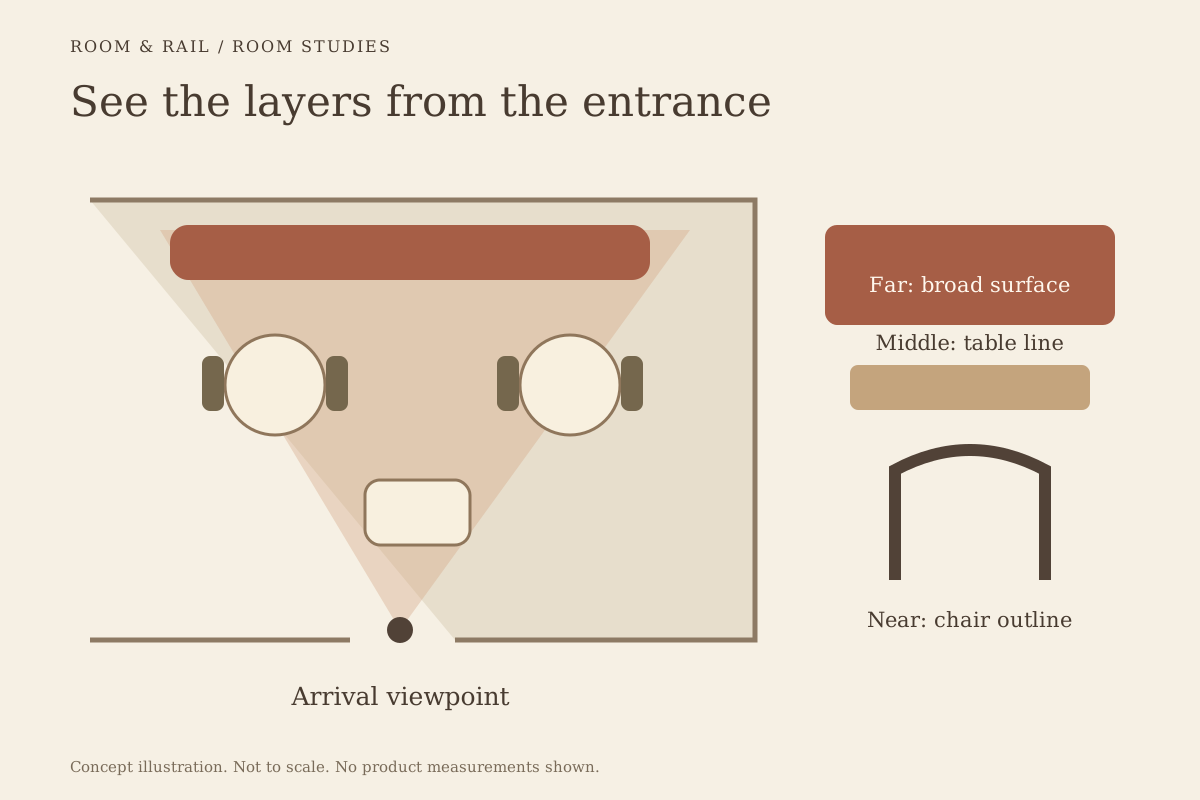
Choose a starting point that already matters to the room. It might be a table surface, a booth fabric, or the chair shape visible from the entrance. Compare the next piece against that choice rather than treating every product as a separate decision.
The furniture directory gives you different ways into the selection. Browse table tops when the surface is your anchor, or begin with restaurant chairs when the seating carries the design. Neither approach requires you to settle the whole room in one sitting.
Keep the first comparison focused. Ask what repeats between the pieces and what changes. A frame color might repeat while the upholstery differs by zone. A tabletop might provide the quiet surface beside a more detailed chair back. Record the intended relationship in the board notes so it is not lost between reviews.
Separate a product photograph from a finish reference
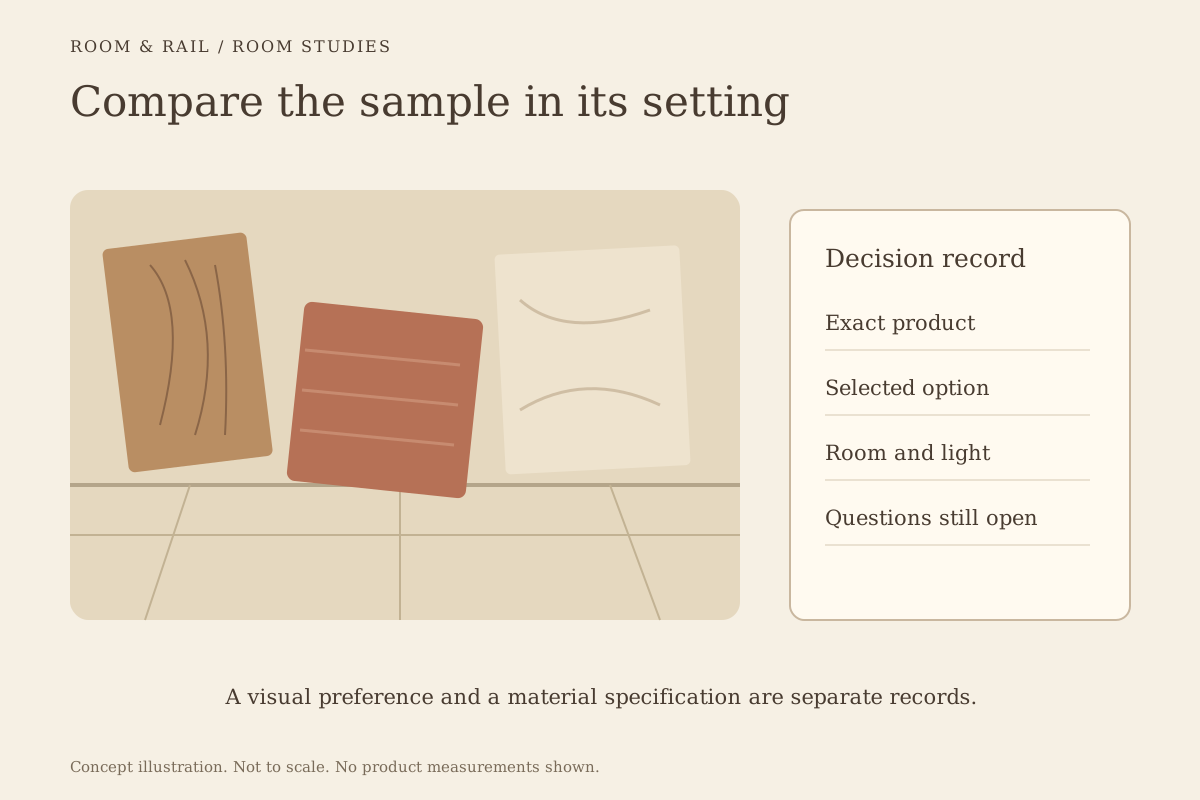
The main product image shows a representative piece. It can help you read proportions, construction, and visible details, but it may not show the exact combination selected in the option controls. Treat the image and those controls as related information with different jobs.
Verified finish thumbnails identify individual available choices. When you select a frame or seat option, keep its label as well as its image. The materials and finishes page explains why a similar-looking reference on another product does not prove an exact material match.
The distinction matters when a board is reviewed quickly. Someone looking only at the large chair photo could miss the selected upholstery below it. A saved board keeps the chosen references beside the configuration, making the intended combination easier to check without digitally changing the furniture's appearance.
Give each room its own group
A dining area, lounge, and patio may belong to one restaurant while asking for different selections. Grouping the board by room makes those differences visible. It also prevents a repeated chair model from becoming ambiguous when its finish changes between areas.
Use clear room names in the finish board. If the same model appears in two configurations, save separate lines and assign each one to its room. A note such as Window seats can add context, but it should not replace the actual finish selection on the line.
Look at the grouped board against the measured layout. A visual palette cannot establish clearances or the number of units that fit. The room planning guide describes how a furniture selection record supports that wider process without becoming a floor plan.
Compare materials without assuming performance
Category pages help narrow the visual search. Wood chairs and metal chairs give you different starting points, but the broad label does not describe every component or the requirements of every model.
Read the product-level specifications. Check the listed frame material, dimensions, intended use, and available configuration. Ask about care instructions and any material confirmation you need before making a purchase. Appearance alone cannot establish durability, cleaning compatibility, or suitability for a particular setting.
The same caution applies outside. Browse outdoor furniture for the relevant selection, then review each product for the conditions at your venue. A covered patio still has its own exposure and storage needs. Record those questions instead of assuming that a matching indoor finish is interchangeable.
Use a copied room to develop a second scheme
Room duplication is a useful way to carry a complete saved selection into another area. The new copy retains furniture, finishes, quantities, and saved prices. Give it a distinct name and review the resulting project total before confirming the copy.
Then change only what the second room needs. A lounge may use the same palette with different seating proportions, while the bar may repeat a frame finish through its bar stools. The original room remains separate, so the alternative can develop without erasing the earlier decision.
Be careful with quantities. Copying a visual scheme also copies its unit counts. Review them against the second room rather than treating a successful palette as proof that the same arrangement fits. Save the changes when the comparison reaches a useful point.
Keep prices visible while the board develops
Visual decisions and furniture costs are connected. A different seat material or product configuration may change the price, so keep the selected options attached to the saved amount. That allows a reviewer to see what was compared instead of working from a collection of images alone.
The board's furniture subtotal combines the configured lines. Shipping and tax are separate matters to confirm. If access or receiving arrangements could affect the project, use the delivery notes to prepare those questions before the order conversation.
Save regularly when moving between alternatives. Unsaved edits are not part of the downloadable sheet, and actions that use the saved selection require those changes to be resolved first. The save control and pending total help distinguish the working edit from the last saved version.
Compare two directions without mixing their references
Suppose the dining room could use either a darker frame with a lighter seat or a lighter frame with a darker surface nearby. Keep each direction in a separate project version so the references remain readable. A board that mixes both alternatives without labels can look complete while leaving the actual selection undecided.
Use the same room names and quantities in both versions while comparing the palette. That makes the visual differences easier to follow. Check the listed material details and the measurements on the chair pages, then record any physical sample question before choosing a direction.
Once a version is selected, save it and download a current sheet. Keep the alternate clearly separate from the record used for ordering. A copied board is useful for exploring an idea, but the final handoff needs one understandable configuration for each line.
The board should leave the next reader with a clear picture of the intended room and a precise record of the choices that create it.
Take a clear palette into the next conversation
Download the saved board when the selection is ready to discuss. The sheet keeps the room groups, finish references, quantities, and prices together. If a colleague spots a mismatch, return to the product configuration and save the correction before producing another file.
Screens and photographs remain references. Lighting and display settings can affect how materials appear, so arrange the physical confirmation needed for the real project before final purchasing. Keep that approval separate from the fact that an option was selected on the website.
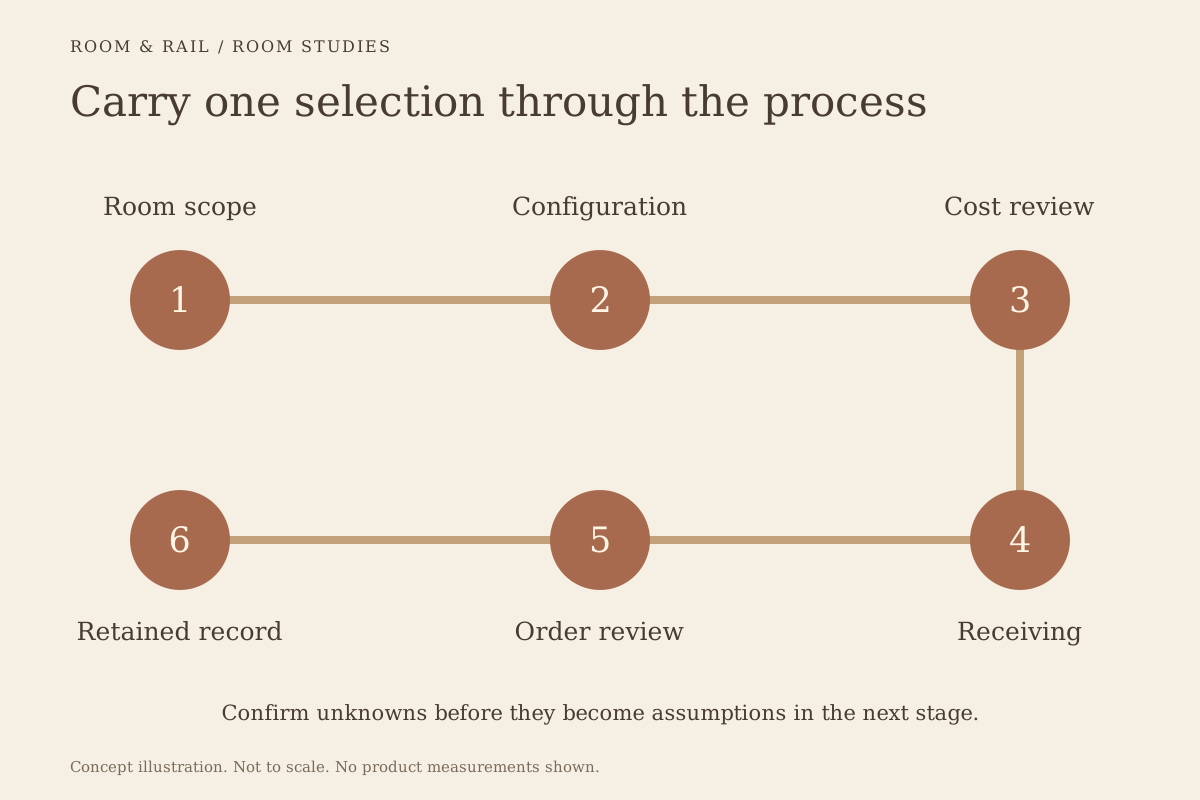
Once the pieces are settled, follow the order review process. Current prices and available options are checked before the saved selection continues to the basket. The board can then do what it was meant to do: carry a considered room into a clear, specific request.